How to show up when people search for a church near me
By Allen Taylor 4 min read
When someone types “church near me” into Google, the first thing they usually see isn’t a list of websites. It’s a map with three churches pinned on it. Those three get most of the clicks, and the churches below them get far fewer.
The good news is that getting into that map isn’t about paying anyone. Google says plainly in its own help pages that there’s no way to request or pay for a better local ranking. What you can do is give Google clear, consistent information and keep it current. Most churches haven’t, which is why a few hours of work here goes a long way.
How Google decides which churches to show
Google’s Business Profile help page says local results are based mainly on three things:
- Relevance: how well your listing matches what the person searched for.
- Distance: how far your church is from the person searching.
- Prominence: how well known your church is, which Google judges partly from reviews, ratings and how many other websites link to you.
You can’t move your building, so distance is out of your hands. The other two you can work on.
Step one: claim your Google Business Profile
Search for your church’s name on Google. If a panel shows up on the right side (or at the top on a phone), there’s already a listing. Look for a link that says “Own this business?” or “Claim this business” and follow the steps. If nothing shows up, go to Google Business Profile and add your church.
Google will ask you to verify that you’re connected to the church, often with a phone call, a text, a video of the building or a postcard mailed to the address. Use a church email address when you sign up, and add a second person as a manager so the listing doesn’t belong to one staff member.
Step two: fill it out completely
Google’s own advice is to provide complete and detailed information. For a church, that means:
- Category: pick the most specific one that fits, like “Baptist church” or “Non-denominational church” rather than just “Church.” You can add a couple of secondary categories.
- Hours: enter your service times as your hours. Add special hours for Christmas Eve, Easter and anything else out of the ordinary.
- Website: link to your home page or your plan-a-visit page.
- Phone number: one that someone answers or that has a voicemail with service times on it.
- Description: a few plain sentences about who you are and what a Sunday looks like.
- Photos: the outside of the building, the entrance people actually use, the worship space during a service, and the kids area. Photos of your own church, not stock images.
Step three: make your information match everywhere
Your church’s name, address and phone number should be written exactly the same way on your website, your Google listing, Facebook, Apple Maps and any denominational directory. If one place says “St. Mark’s” and another says “Saint Mark Lutheran Church,” or one has an old phone number, it muddies the picture Google has of you.
Apple Maps matters too, because that’s what iPhones open by default. You can claim your church on Apple Business Connect the same way.
Step four: ask for reviews
This feels strange for a church, but reviews count. Google says more reviews and positive ratings can help your local ranking. You don’t need hundreds. A few dozen honest reviews from members and regular attenders puts you ahead of most churches in town.
The easiest way to get them: share the review link from your Google Business Profile once in your email newsletter or on screen after a service, and ask people to write a sentence or two about what Sunday is like. Never offer anything in exchange for a review, and reply to the ones you get, especially any that are critical.
Step five: make your website help
Your website is part of the relevance picture, and it’s where people land when they click. A few things make a difference:
- Put your city and neighborhood in plain text on the home page, ideally in the first few lines. “A church in Westerville, Ohio” tells Google and visitors where you are.
- Show your service times and address as text, not inside an image. Google can’t read a graphic the way it reads words.
- Make sure the site works well on a phone and loads quickly. Most people searching for a church nearby are on one.
- Use a page title that includes your church name and city, like “Grace Church | Westerville, OH.”
- Keep things current. A site with last year’s Easter schedule doesn’t help anyone.
Step six: keep it current
Most of this is a one-time job. What needs ongoing attention is small: update your hours when service times change, add a few new photos each season, answer reviews and questions on your listing. Put a reminder on the calendar for the first Monday of each month and it takes ten minutes.
How long it takes
Changes to your Google profile can show up within days. Moving up in the map usually takes longer and depends on how many other churches are nearby. Be patient, and don’t believe anyone who guarantees you a top spot.
Where SundayFront helps
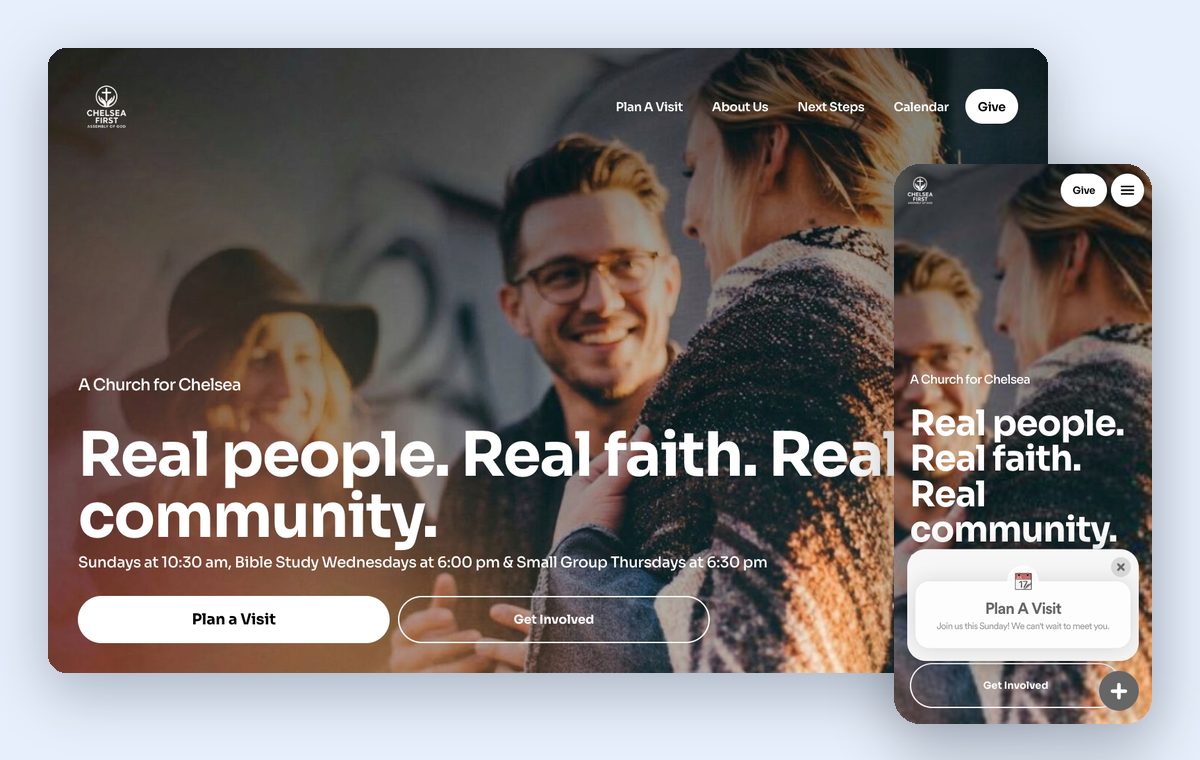
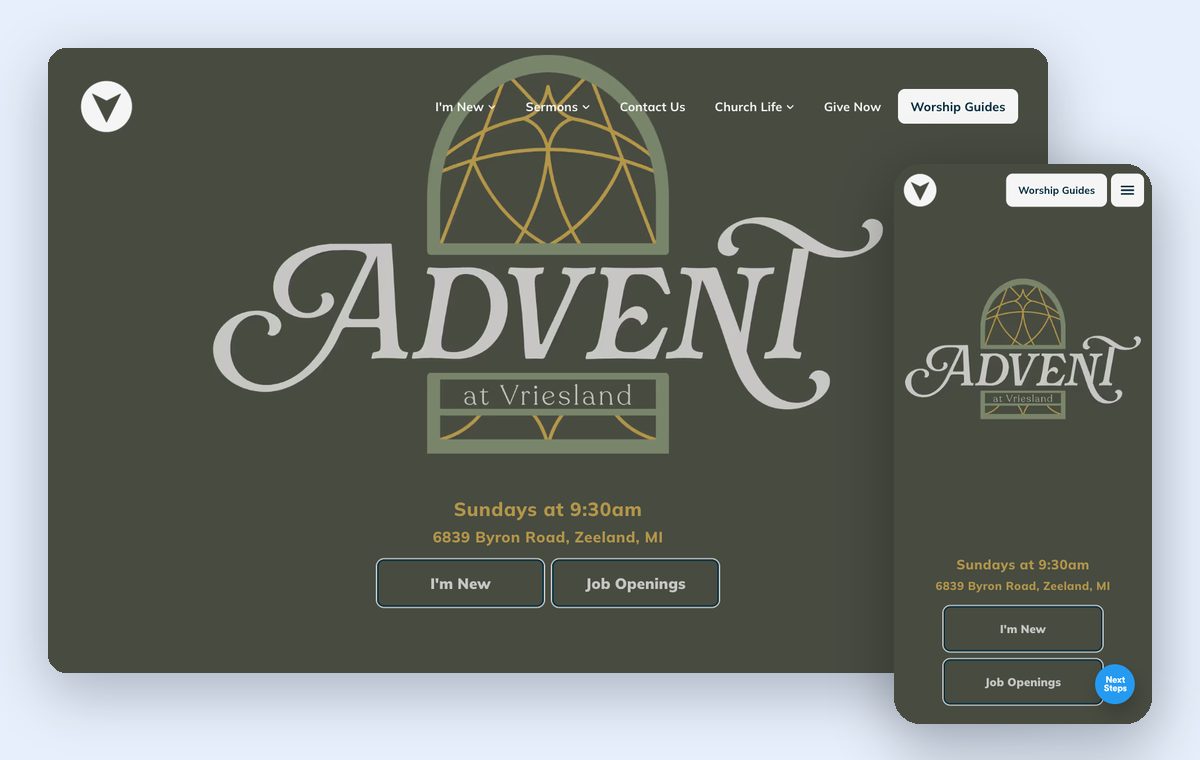
Every SundayFront site puts your service times, address and city on the first screen as plain text, loads fast on a phone, and gives each page a proper title and description that Google can read. Each site also has a sitemap that points Google to new pages and sermons as you add them. The Google Business Profile is still yours to claim, and it’s worth doing this week whether you use us or not.
If you’re also deciding what goes on the site itself, start with what to put on a church website.