What to put on your church’s plan a visit page
By Allen Taylor 4 min read
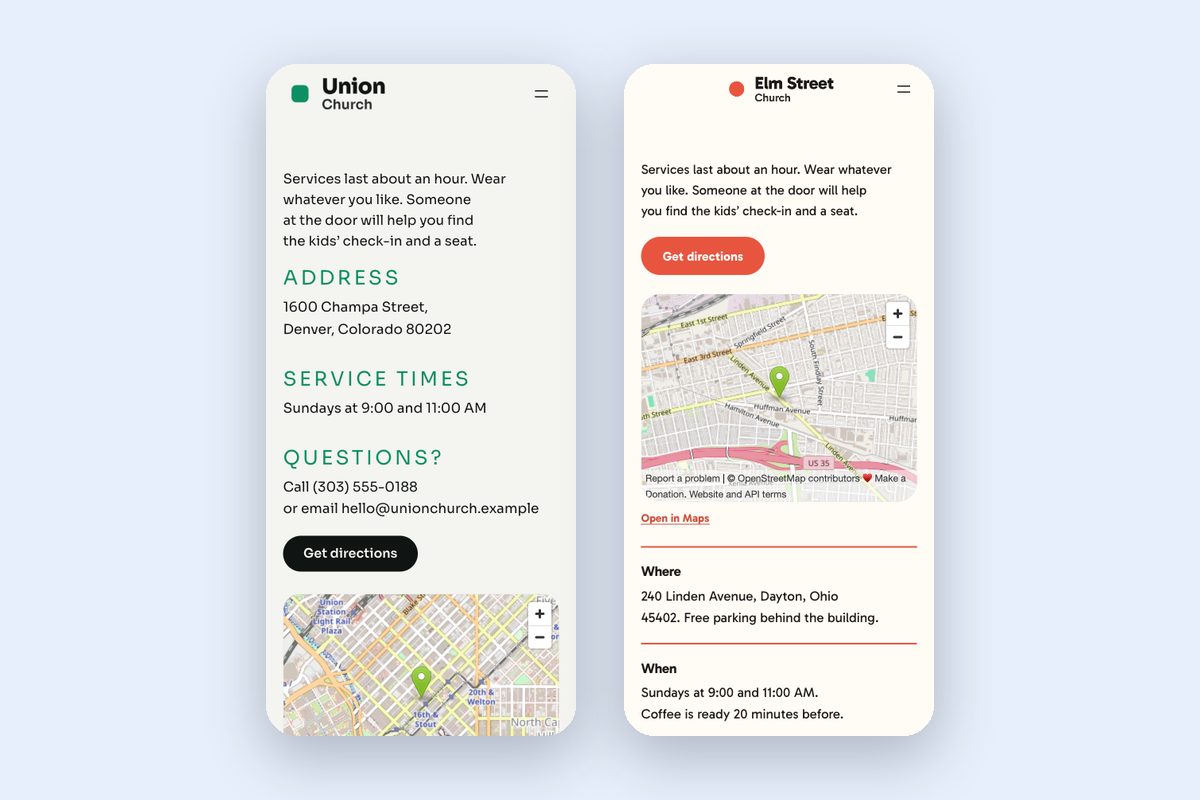
Walking into a church for the first time is uncomfortable for a lot of people. They don’t know where to park, which door to use, what to do with their kids or whether they’ll be the only ones in jeans. A plan-a-visit page answers those questions before they get in the car.
Of every page on a church website, this one probably does the most good for the least effort. It doesn’t need to be long or polished. It needs to be specific about your church.
Start with the basics, at the top
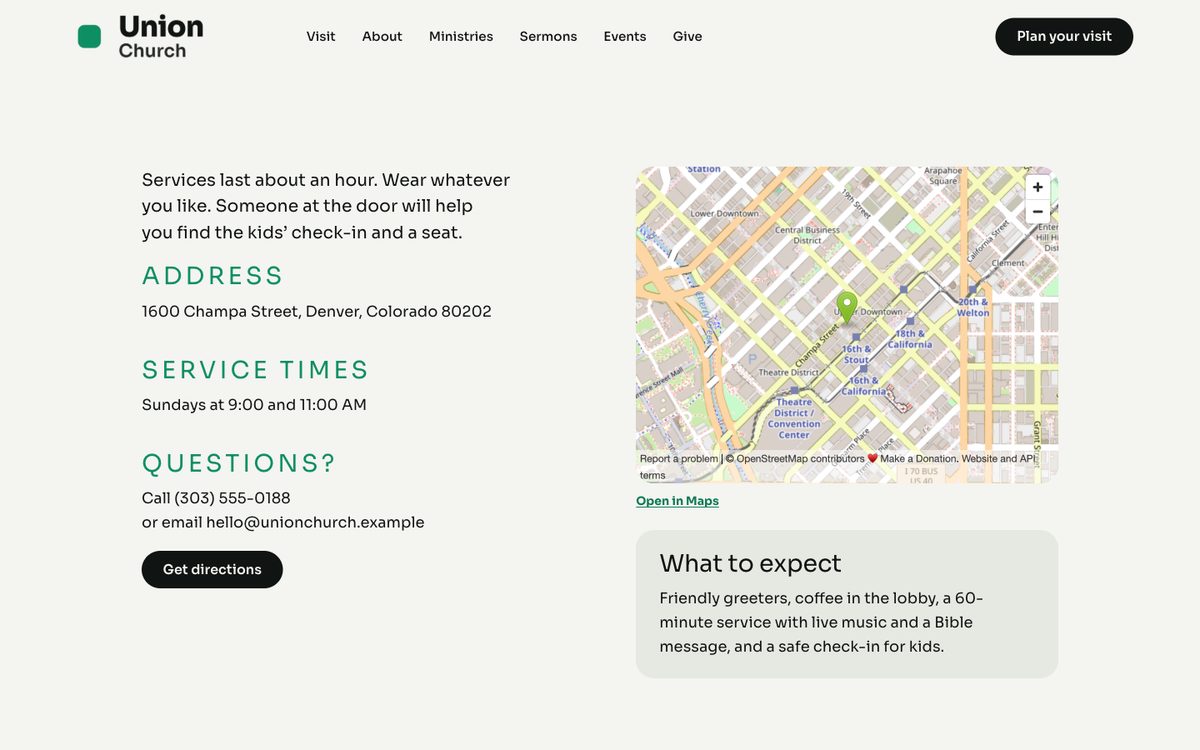
Service times and the address go first, even if they’re already on your home page. Someone landing here from Google or a Facebook link may never see the home page. Make the address a link that opens maps on their phone.
Parking and the front door
This is where most churches are vaguer than they realize. Members know the side lot fills up first and that the main doors are actually around back. Guests don’t. Tell them plainly:
- Where to park, and whether there’s guest parking.
- Which entrance to use.
- What they’ll see when they walk in, like a welcome table or someone in a name tag.
- Whether the building is accessible, and where the accessible entrance is.
A photo of the right entrance helps more than a paragraph of directions.
Kids
For parents, this section often decides whether they come at all. Cover:
- What age groups you have and what happens during the service.
- How check-in works and where to go first.
- Who is with the kids and whether volunteers are background checked.
- Whether kids are welcome to stay in the service with their parents instead.
If you use a check-in system, say so. Parents find it reassuring.
What a service is like
Describe a normal Sunday in a few sentences. How long it lasts. What the music is like. Whether people dress up or come casual. Whether there’s communion, and whether guests are welcome to take part. Whether anyone will ask them to stand up or introduce themselves. (If they will, consider stopping. Most guests don’t enjoy it.)
Write it the way you’d say it to a neighbor across the fence. “Most people wear jeans. The service is about an hour and ten minutes. We sing for twenty minutes or so and then Pastor Mike teaches.” That’s better than “We are a Christ-centered community passionate about authentic worship.”
Show your church
Use photos of your building, your people and your kids area. Guests are trying to picture themselves there, and stock photos of people who clearly don’t go to your church make that harder. If you have a short video walking from the parking lot to the sanctuary, even better.
Answer the questions people don’t ask
A short list of common questions works well at the bottom of the page:
- Is there coffee?
- Do I need to bring a Bible?
- Will I be asked for money? (A good answer: “Guests are never expected to give.”)
- Is there somewhere to sit near the back?
- Can I watch online first?
Let people tell you they’re coming
A simple form where someone can say “we’re planning to come this Sunday” lets you prepare. A greeter can meet them at the door, save them a seat or walk their kids to check-in. Keep the form short: name, email or phone, which service, and how many kids and their ages. Then make sure someone actually responds before Sunday.
Don’t make the form required to read the rest of the page. Some people want to come without anyone knowing in advance, and that’s fine.
Link to it everywhere
The page only helps if people find it. Put “Plan a visit” in your main menu and on your home page. Use it as the website link on your Google Business Profile. Link to it from Facebook and Instagram. If you send a follow-up to people who filled out a connection card, include it there too.
What to leave off
- Your full statement of faith. Link to it instead.
- A long history of the church.
- Insider names for rooms and ministries.
- Anything that hasn’t been true for a while. Check this page every time something changes on Sunday morning.
Plan-a-visit pages on SundayFront
Every SundayFront site comes with Plan a visit built in. Guests read the answers you write about kids, parking, what to wear and how long the service runs, then pick the Sunday they’re coming. They can add it to their calendar and get a reminder email the day before, and each visit plan lands in your inbox so someone can watch for them at the door. Our help article walks through setting it up.
For the rest of the site, see what to put on a church website, or browse the designs and open the plan-a-visit page on any sample.