Web address and email · 10 min read
Use your own web address
Connect a domain you already own, like yourchurch.org. You change two settings where you bought the domain; the website checks them and turns on https by itself.
Open Web addressSigns you in to your website’s dashboard and opens this screen.
- On the left, click Web address and type your domain.
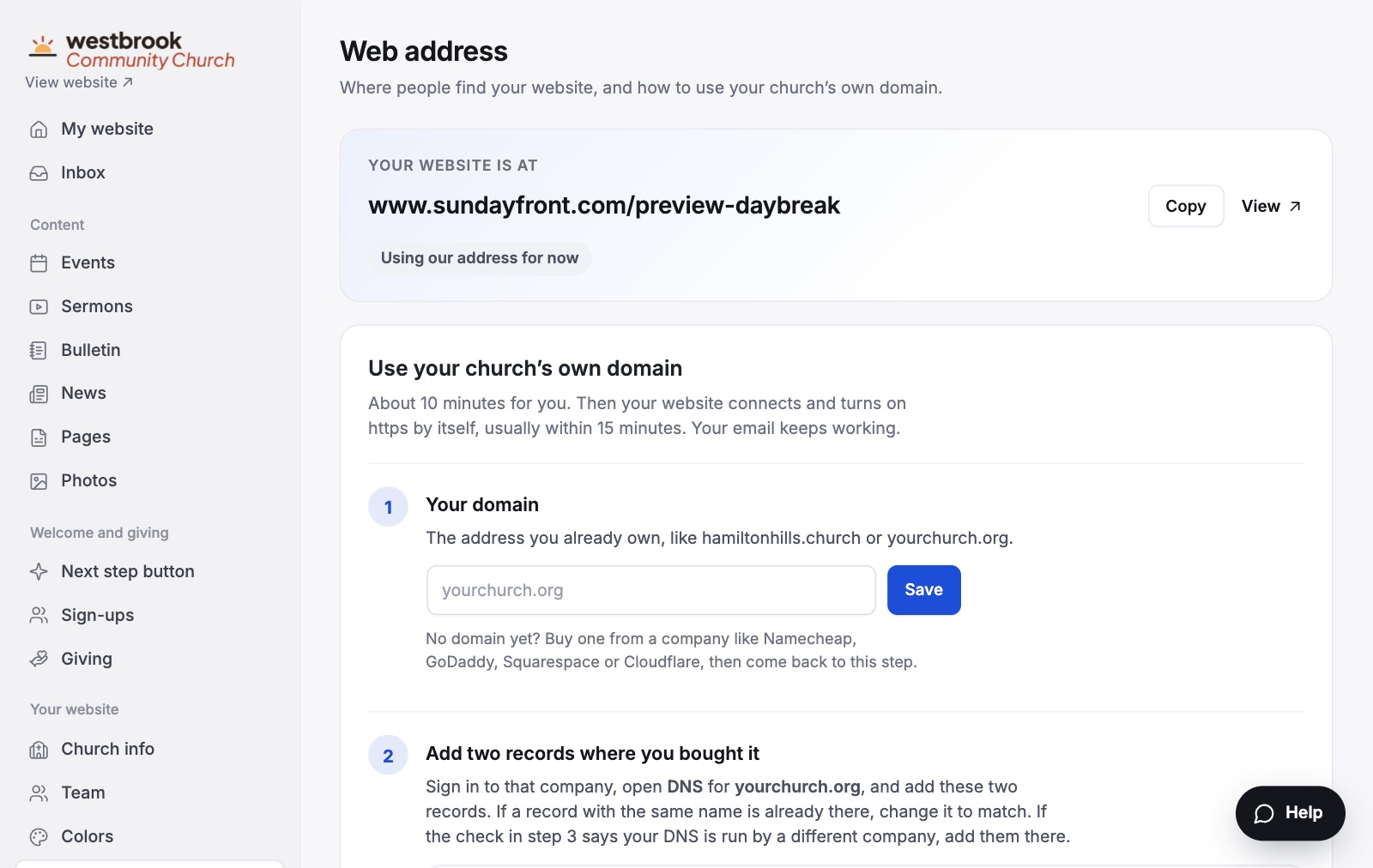
- The screen shows two records to set: an A record and a CNAME record. Click Walk me through it for steps for GoDaddy, Namecheap, Cloudflare and others.
- Sign in where you bought your domain and set those two records.
- Come back and click Check. When both show as correct, click Use your domain. Https turns on within an hour and you get an email when it is live.
Good to know
- Changes at your domain company can take up to a day to show. You can leave and come back; the screen remembers.
- Your old address keeps working and forwards to the new one.
- Not sure where your domain is? Click Ask a person and we will help.
Related
Still stuck?
Ask in the chat and get an answer right away. If it needs a person, the team takes it from there.
Chat with usor email hello@sundayfront.com