Your account · 2 min read
Manage your plan and billing
The person who signed up can manage the plan from Plan and billing. It opens our secure billing page and brings you back.
Open Plan and billingSigns you in to your website’s dashboard and opens this screen.
- On the left, click Plan and billing. You see your plan, with a button to manage it.
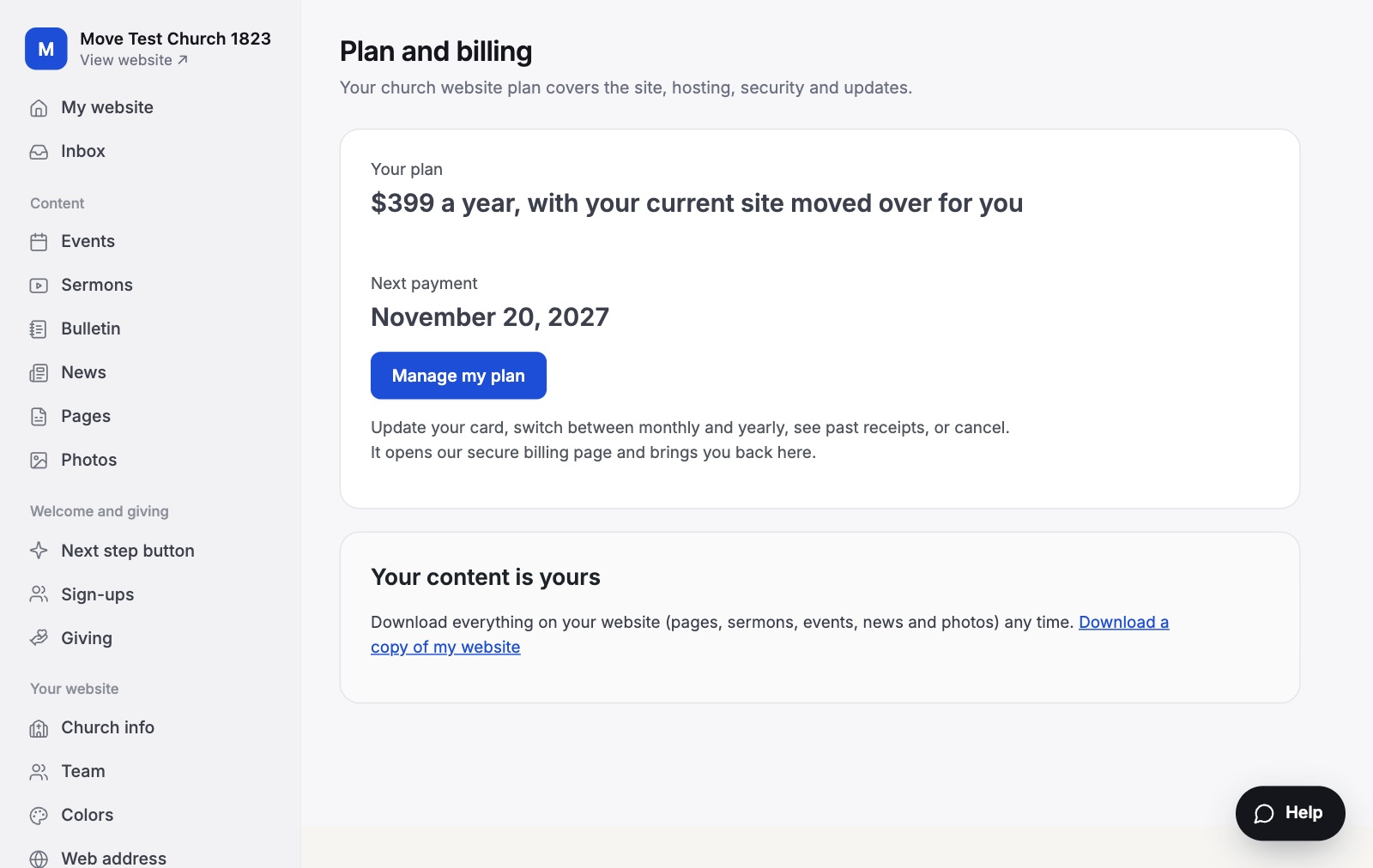
- Click Manage my plan. Our secure billing page opens, where you can update your card, switch between monthly and yearly, see receipts or cancel.
- When you are done, click the link back to your website.
Good to know
- If you cancel, your website stays online until the end of the time you paid for. After that it is paused and everything is kept for 60 days, in case you change your mind.
- Click Download a copy of my website any time for a file with all your pages, sermons, events and photos.
Related
Still stuck?
Ask in the chat and get an answer right away. If it needs a person, the team takes it from there.
Chat with usor email hello@sundayfront.com