Your account · 3 min read
Your new website (site move)
Since you chose to have us move your site, we bring your current website into your new design for you. You do not need to send us anything. We email you a preview, often in as little as two days, and nothing changes on your current website until you approve.
Open Your new websiteSigns you in to your website’s dashboard and opens this screen.
- On the left, click Your new website. The steps at the top show where things stand.
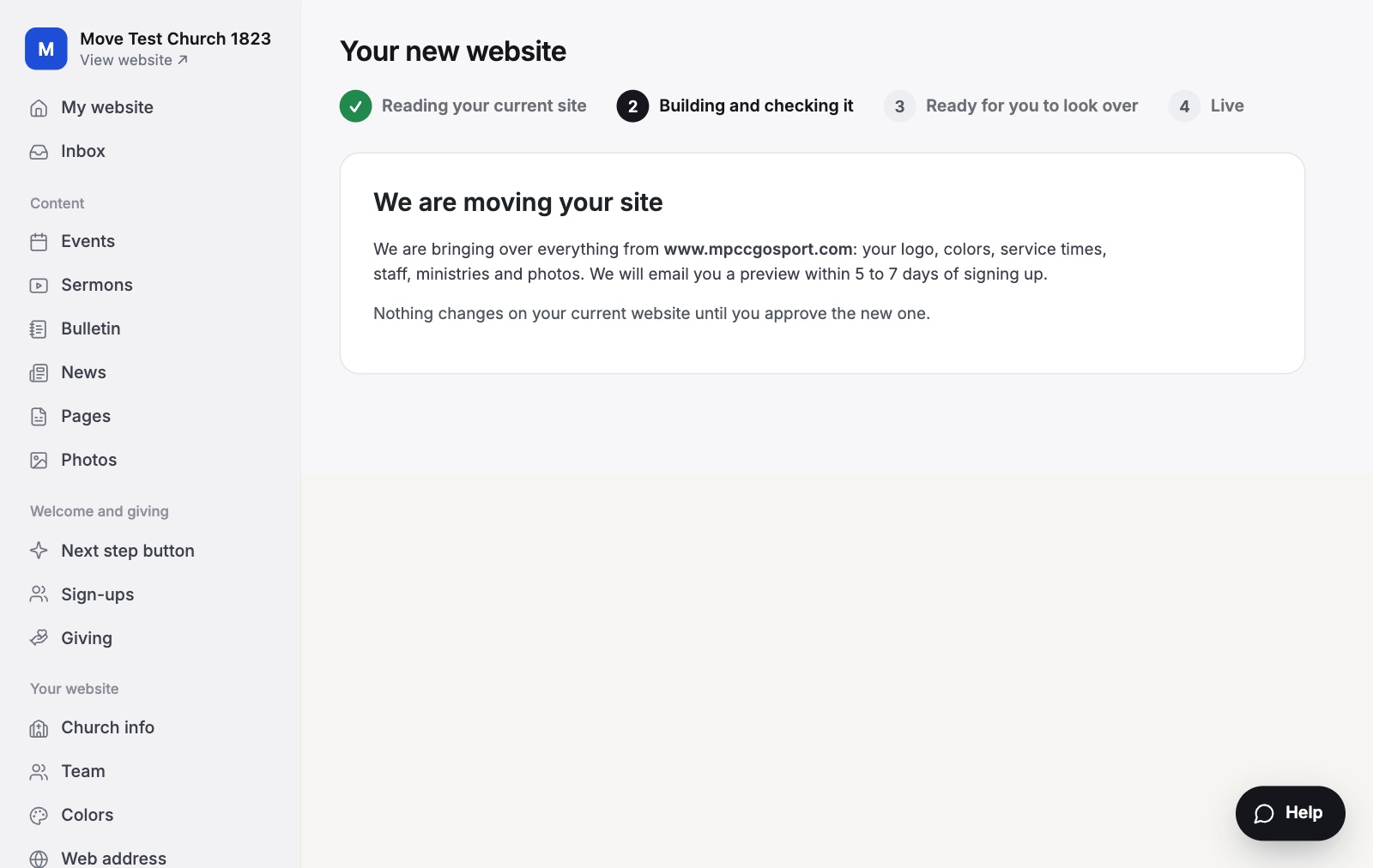
- When the preview is ready, click See the new website and look it over on your phone and computer.
- Happy with it? Click Approve and go live.
- Want something different? Write it in your own words under Want something different? and click Send my changes. We email you when the update is ready.
Good to know
- Something on your old site that you want on the new one? Reply to any of our emails and we will add it.
Related
Still stuck?
Ask in the chat and get an answer right away. If it needs a person, the team takes it from there.
Chat with usor email hello@sundayfront.com