Giving · 3 min read
Connect your online giving
Keep the giving service you already use. Pick it, follow the three short steps and paste one link or code. Your Give page shows the giving form, and the Give button in your menu goes there.
Open GivingSigns you in to your website’s dashboard and opens this screen.
- On the left, click Giving. Under Which giving service does your church use?, pick yours.
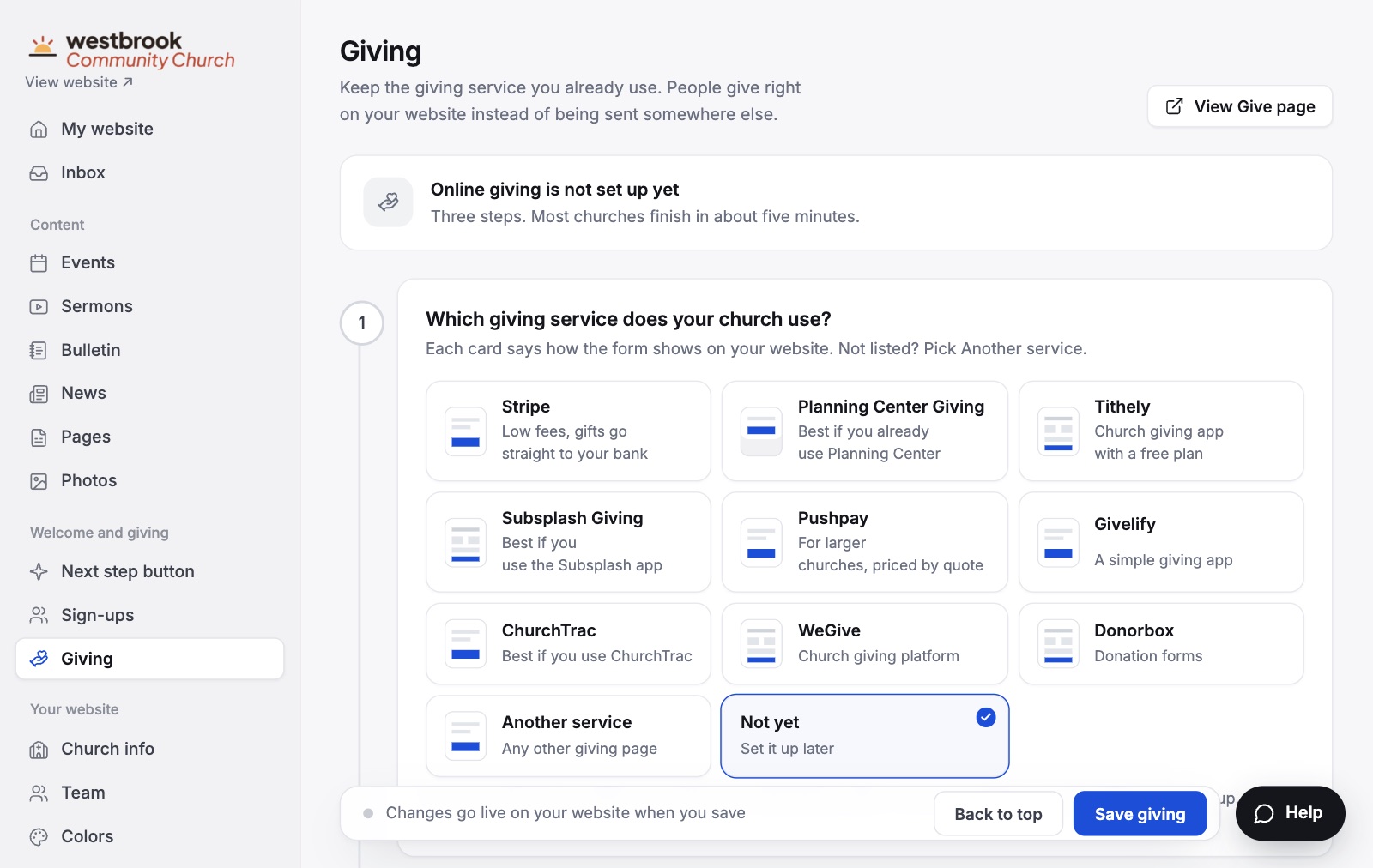
- Follow the three steps shown for that service to copy your giving link or embed code.
- Paste it into the box, or click Paste from clipboard.
- Add Other ways to give (in person, by mail) if you like, then click Save giving.
- Open your Give page to check it.
Good to know
- Some services do not allow their form inside another website. For those, your Give page shows a Give button that opens their secure form.
- Stuck? Click Ask us to connect it and send us the link. We will set it up for you.
Still stuck?
Ask in the chat and get an answer right away. If it needs a person, the team takes it from there.
Chat with usor email hello@sundayfront.com