Pages and photos · 2 min read
Upload photos and files
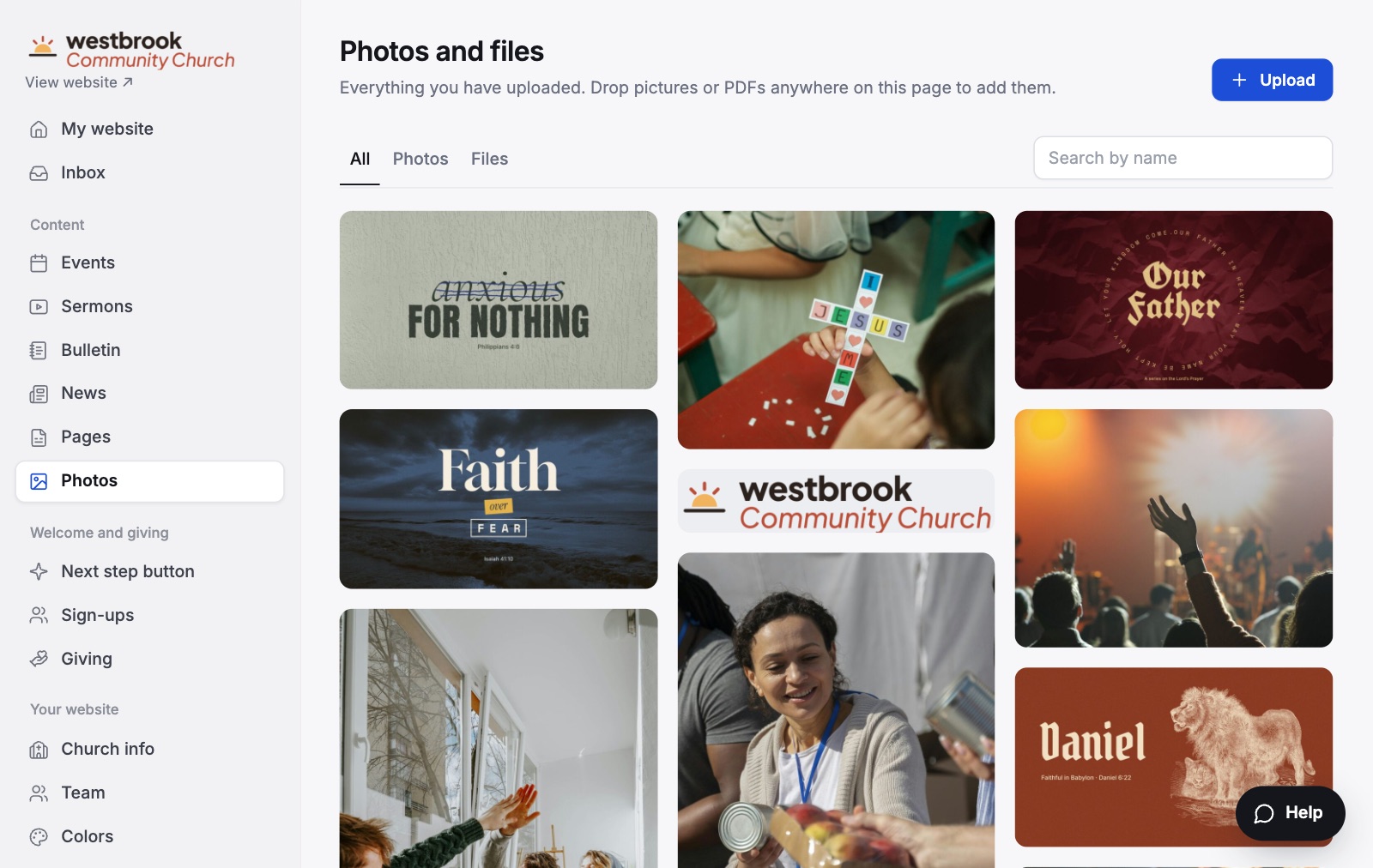
Everything you upload lives in Photos, ready to use on any page, event or sermon.
Open PhotosSigns you in to your website’s dashboard and opens this screen.
- On the left, click Photos.
- Drag photos from your computer onto the page, or click Add New and choose them.
- Click a photo to give it a short description, like "Kids worship on Easter". It helps people who use screen readers, and helps Google.
Good to know
- Photos of your own people beat stock photos every time. Wide (landscape) photos work best in most spots.
- Very large photos from a phone are fine. The website makes smaller copies on its own.
Still stuck?
Ask in the chat and get an answer right away. If it needs a person, the team takes it from there.
Chat with usor email hello@sundayfront.com