Sundays · 5 min read
Make this week's bulletin
The bulletin is a page made for phones. Each week starts as a copy of last week, so you only change what is new. "This week" fills in from your calendar on its own.
Open BulletinSigns you in to your website’s dashboard and opens this screen.
- On the left, click Bulletin. This week's bulletin opens, already copied from last week.
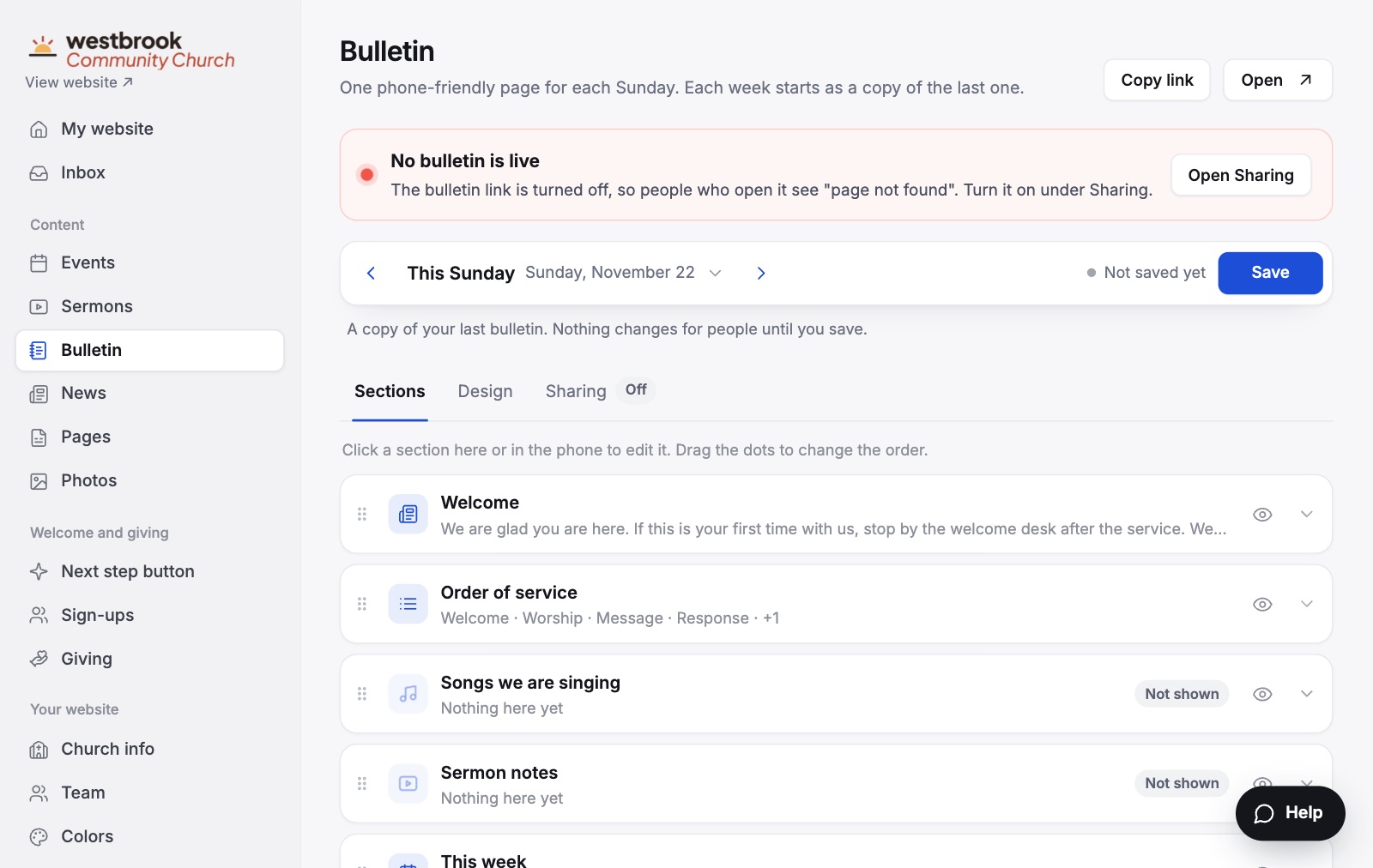
- Click a section to change it, or Add a section for a welcome, sermon notes, a link or a sign-up.
- The This week section lists the next 14 days of events from your calendar. You do not need to type them.
- Watch the live preview on the right, then click Save.
- Under Sharing, click Copy link to text it or put it on a screen as a QR code.
Good to know
- The bulletin link stays the same every week, so a printed QR code keeps working.
Still stuck?
Ask in the chat and get an answer right away. If it needs a person, the team takes it from there.
Chat with usor email hello@sundayfront.com