Your visitors · 2 min read
Read and answer messages in your Inbox
Every form on your website lands in the Inbox: prayer requests, connect cards, plan a visit and anything else a visitor sends. You also get an email each time, so nothing waits for someone to sign in.
Open InboxSigns you in to your website’s dashboard and opens this screen.
- On the left, click Inbox. The number next to it is how many new messages are waiting.
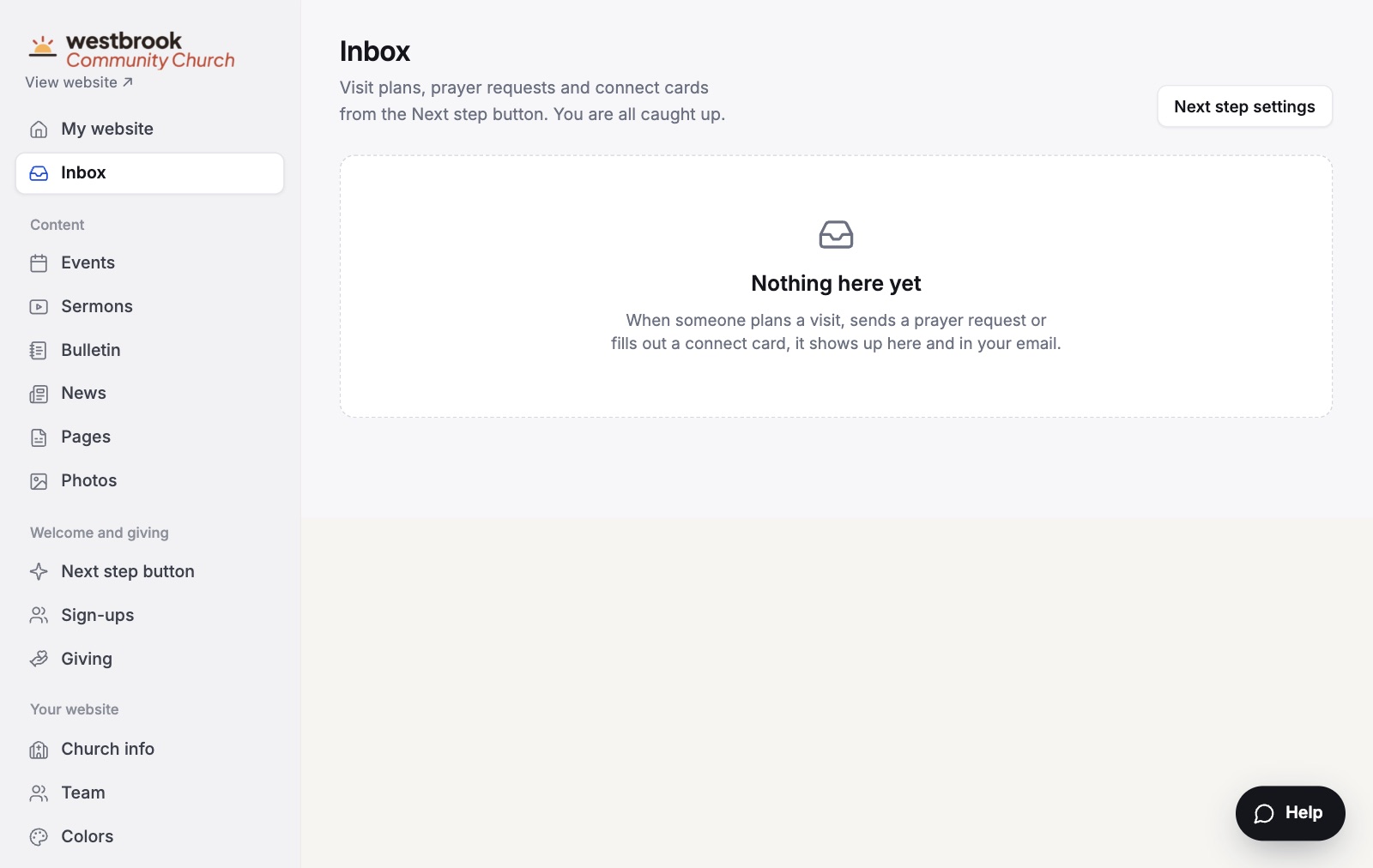
- Click a message to read it. Name, email and phone are at the top, so you can reply or call right away.
- Use the tabs at the top to see one kind at a time, like only prayer requests.
- Done with one? Leave it, click Mark as new to come back to it, or Delete it.
Good to know
- The emails go to the address set on the Next step button screen. Change it there to send them to someone else, like your office manager.
- Prayer requests marked private are never shown on the website.
Still stuck?
Ask in the chat and get an answer right away. If it needs a person, the team takes it from there.
Chat with usor email hello@sundayfront.com