Calendar and sign-ups · 3 min read
Let people sign up for an event
Any event can take registrations: a meal, a retreat, a volunteer day. People get a confirmation email, and you get a note each time someone signs up.
Open EventsSigns you in to your website’s dashboard and opens this screen.
- Add or edit the event, then tick Let people register. More options open underneath.
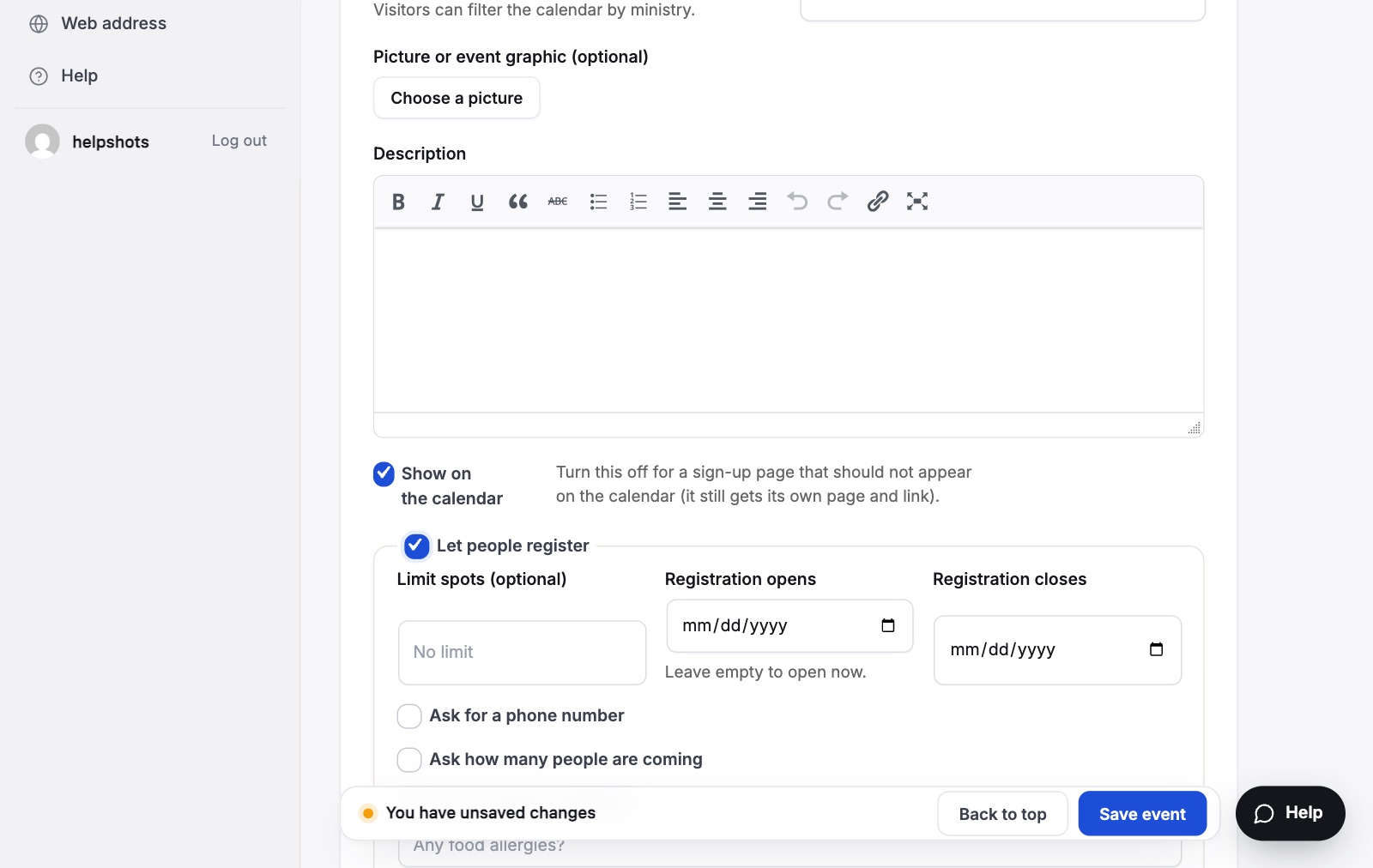
- Set Limit spots if space is limited. When it fills, the form closes and says the event is full.
- Tick Ask how many people are coming for families, and Ask for a phone number if you need it. Use One more question for anything else, like a T-shirt size.
- Pick dates in Registration opens and Registration closes if sign-ups have a window. Leave them empty to open now and close after the event day.
- Click Save event. The form appears on the event page.
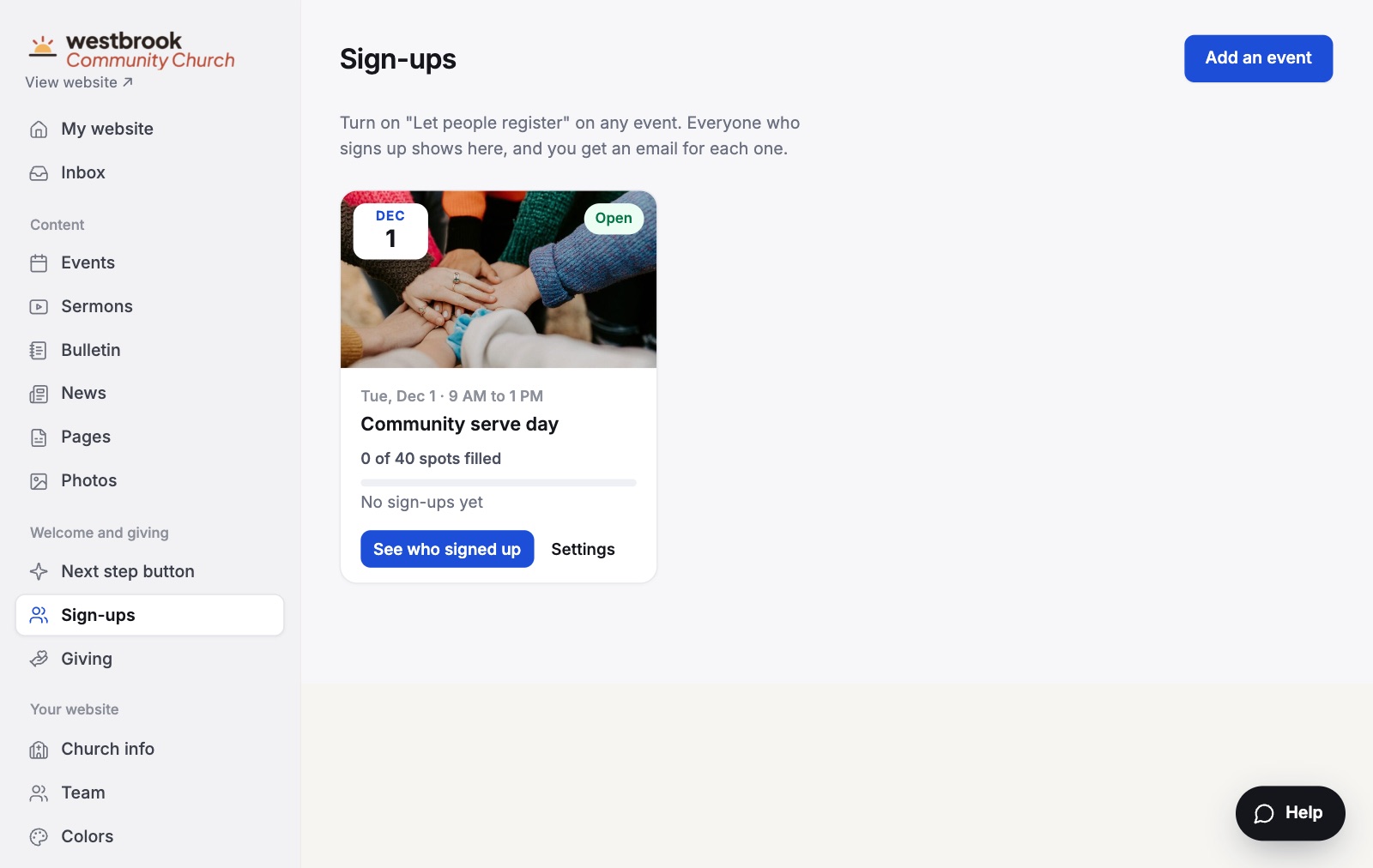
- To see who signed up, click Sign-ups on the left, then the event. Click Download spreadsheet for a list you can open in Excel or Google Sheets.
Good to know
- A sign-up that is not an event, like VBS volunteers: add it as an event and untick Show on the calendar. It still gets its own page and link to share.
- Put a sign-up form on any page: in the page editor, click the + button, search for "Registration form", add it, and pick the event in the panel on the right.
Still stuck?
Ask in the chat and get an answer right away. If it needs a person, the team takes it from there.
Chat with usor email hello@sundayfront.com